A village of AI agents that works for your business.
Tell the Mayor what you need. Teams of AI specialists plan it, do it and check each other's work, and nothing risky happens until you say yes at City Hall.
In pilot. Villages open by invitation.
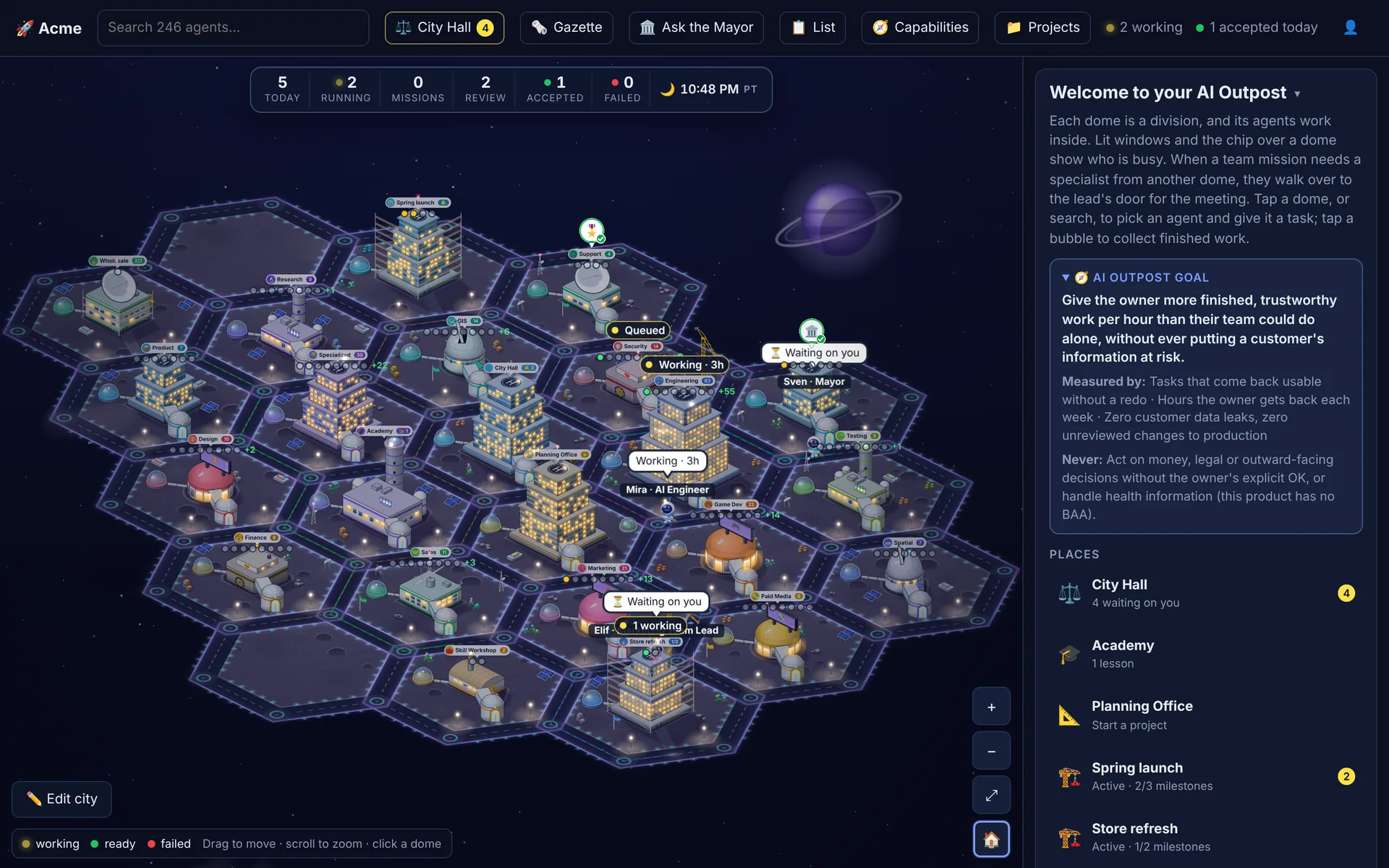
A village at night. Lit windows are agents at work; bubbles show what's running, queued, or waiting on you. Screens on this page are from a demo village with made-up data.
What a village is
AI Outpost gives every business its own village at its own address. It isn't one chatbot: it's a standing organisation of agents, laid out as a map so you can see who is doing what.
- Domes
- Seventeen standing teams, from Research and Marketing to Engineering, Finance and Security, with more than 200 specialists between them. Each team has a lead who briefs the right specialist and checks the result.
- The Mayor
- Your one point of contact. Tell the Mayor what you want; it plans the work across the teams and brings you back one answer.
- Projects
- Each project is a building that rises a floor for every milestone met. It keeps a record of what was decided, delivered and still open, which every agent reads before it works.
- City Hall
- Where results wait for your verdict and where every approval lands. Nothing leaves the village through here without your say-so.
- The Academy
- The village's memory. When you send work back, it proposes a lesson; once you approve it, every agent it applies to follows it.
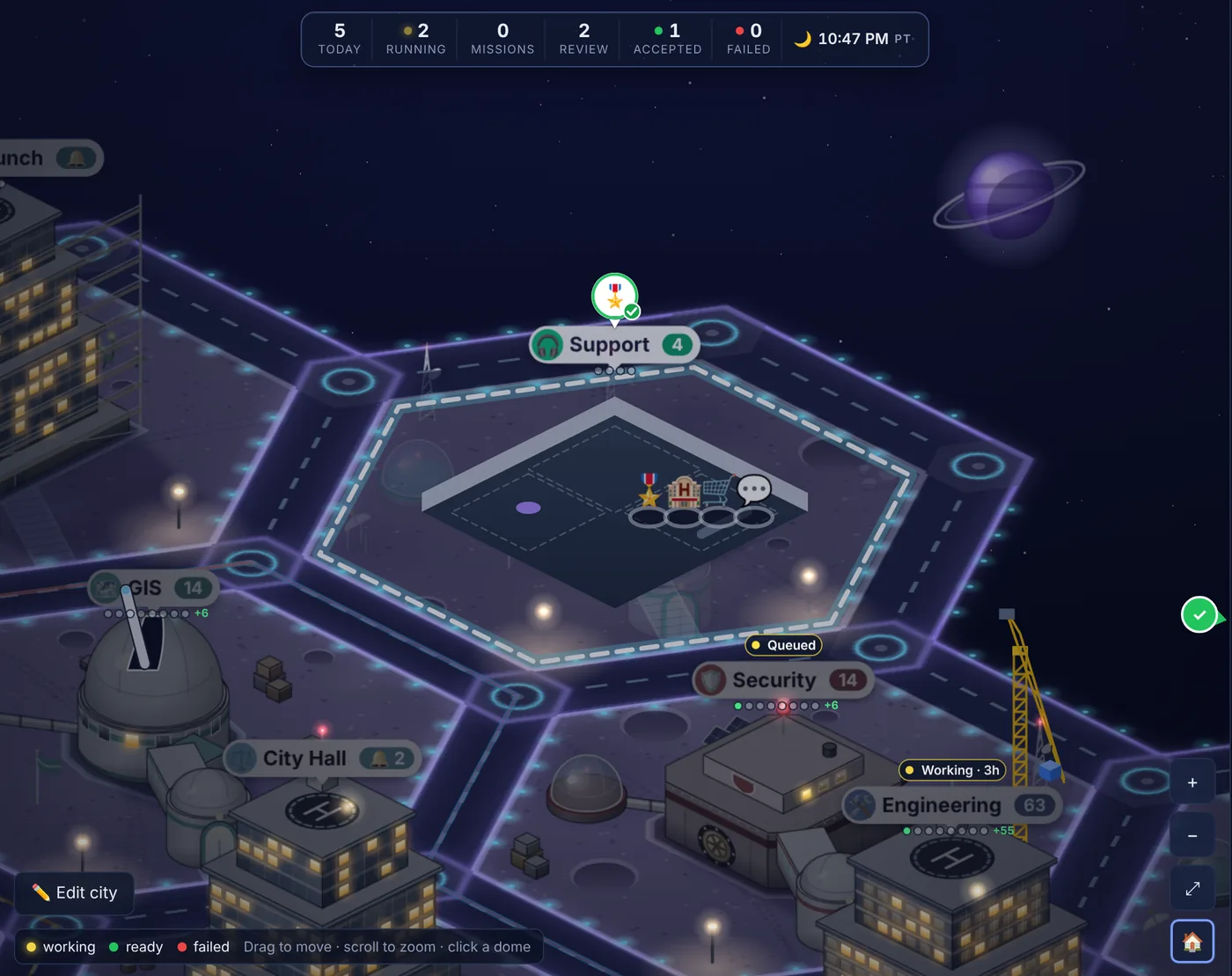
One request, start to finish
What actually happens between “plan our spring launch” and a result you can use.
You ask the Mayor
Type or speak what you want, the way you'd brief a colleague. Before anything runs you see the usual cost, and the nearest limit it counts against.
If something is missing that would block the work, like a key, a connection or a decision only you can make, the Mayor asks first instead of guessing.
The Mayor plans and staffs it
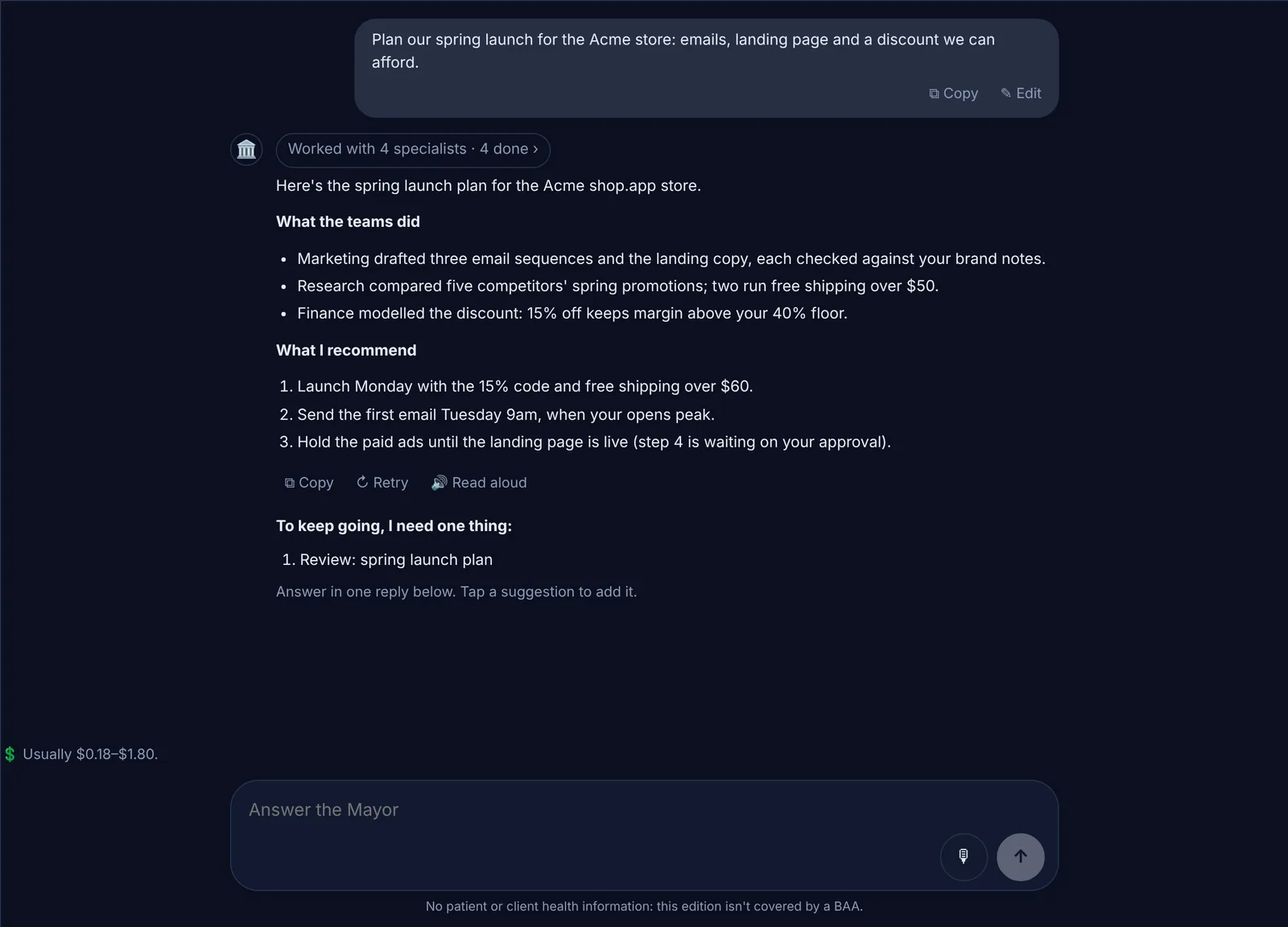
Big requests become a mission: a plan of steps with the order they depend on, each given to the team lead best placed to do it. Independent steps run side by side.
Specialists from other domes walk over to the project's meeting table when a step needs them. The project card shows who is working, who is waiting on you, and which milestones are met.
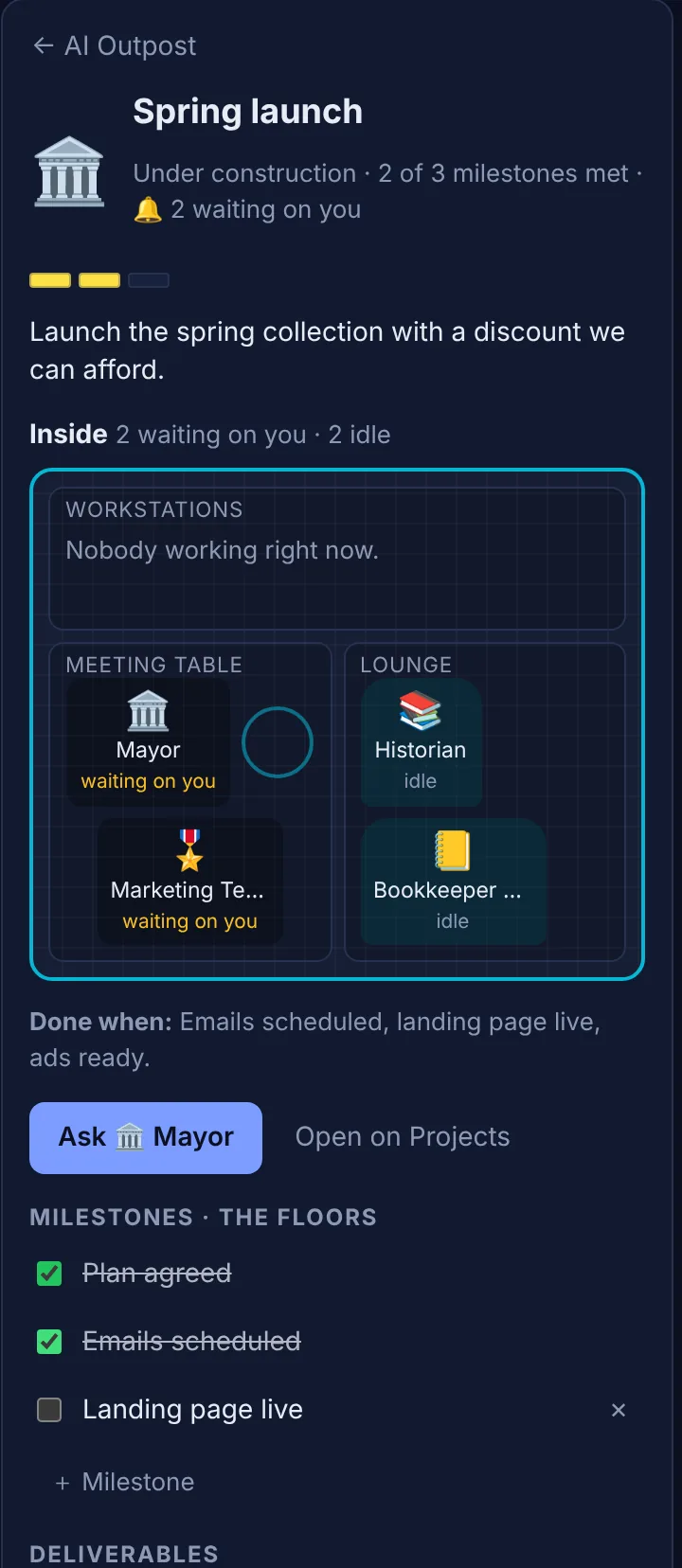
Every result is checked
A reviewer reads each step's result against what the step was meant to deliver. Where there's something to run, it runs: tests and builds for code, a real browser for a website, formulas re-worked in every spreadsheet.
A step with problems gets one repair. A check that couldn't run is marked “not reviewed”, never “passed”. Coding goes to Claude Code as a pull request on your repository, and failing checks go back to it to fix.
Risky actions wait at City Hall
Each project has an access level: read only, propose, or act. Anything that changes something outside the village is logged before it happens, and anything high-risk always stops for your approval, with the exact action shown.
Approve or deny it in one tap. Results wait here too, oldest first, until you judge them.
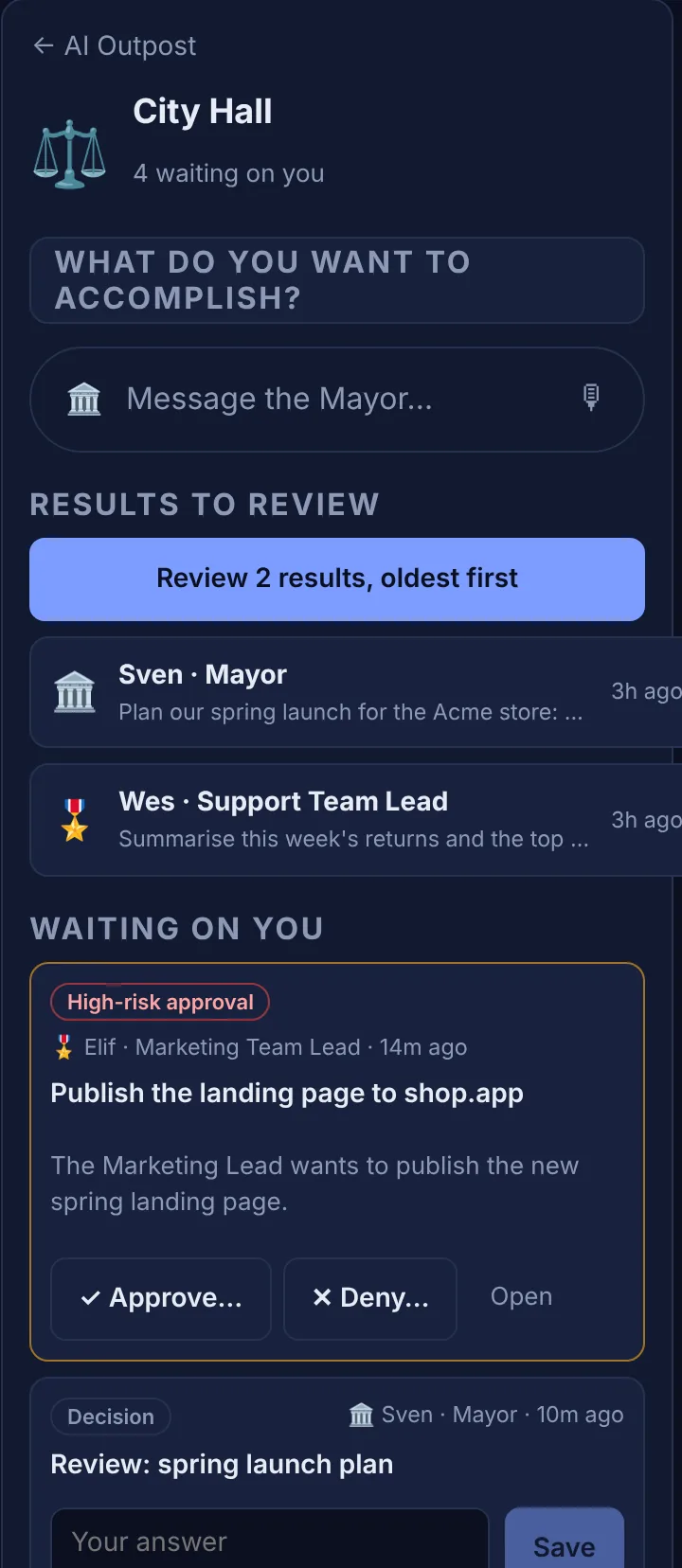
You judge it, and the village learns
Accept a result, send it back with a reason, or discard it. Nothing counts toward a project until you accept it.
Sending something back files a proposed lesson. Approve it and every agent it applies to follows it from then on, so the same mistake isn't made twice.
What the agents can use
Each project chooses which of these it allows. Some need the village's own account with that service.
- Research
- Web search and reading pages, with sources.
- Documents
- Word, PDF and Excel files, re-opened and checked before you get them.
- Data analysis
- Python on files you add, in a sealed sandbox with no internet.
- Code
- Claude Code on your GitHub repository, as pull requests you review and merge.
- Website tests
- A real browser clicking through your site with test data only.
- Your other tools
- Connections to services you already use, each with its own access level.
- Project knowledge
- Search across accepted work, the project record and documents you upload.
- Skills
- Reusable instructions the village keeps, switched on only by an owner or admin.
The rules every village keeps
They hold whatever an agent is told, because they're enforced by the server and the database, not by a prompt.
Your keys, your bill
Each village runs on its own model keys, stored encrypted and used only on our server, never in your browser or in a log. You pay your provider directly for what the agents use.
It asks before it acts
You choose what each project may do on its own. Anything high-risk, like sending a message or publishing, always waits for your yes at City Hall.
A hard daily limit
Every village stops at $100 a day unless its owner changes it, on top of the caps you set per team and per project. Stop ends any work at once.
No health information
This edition isn't built for patient or client health records. Agents stop and tell you if they come across any.
Questions
What do I need to start?
An invite, and a key from Anthropic, OpenAI or xAI. You add the key once; the agents use it only for your village's work.
What does AI Outpost cost?
$20 a month for your first year (regularly $49). Up to 5 people, everything included. Your AI runs on your own keys at your provider's price; we never mark it up. Every village starts with a 14-day free trial, no card needed.
What does a request cost?
You see the usual range before you send it, and what it has used while it runs. Caps per team and per project, plus the hard daily limit, make sure it can't run away.
Can I stop work part-way?
Yes. Waiting work is cancelled at no cost; running work stops after the call it's in. What it wrote so far is kept, and you pay only for what it already used.
Can my team use it too?
Yes. Invite people as admins, members or viewers. Each person sees only the villages they belong to, and every village's data is fenced off from every other in the database.
Does it remember my business?
Each project keeps a record of decisions and open items, and the Academy keeps the lessons you approve. Agents read both before they start.